
Planning a wedding means balancing the tech abilities of all your guests—from your most online college friends to grandparents who still prefer landlines. If you want reliable responses, your RSVP system needs to be fast, clear, and easy for anyone to use.
A complicated RSVP page leads to missed responses, confused guests, and more work for you. That’s why couples are turning to Honeyfund as the simplest RSVP option for every generation—including those who aren’t tech-savvy.
Honeyfund offers one-click RSVP, a clean interface, and no login required, making it the easiest, most accessible RSVP solution for wedding guests of all ages.

What Makes an RSVP Site “Easy” for Non-Tech-Savvy Guests?
Simple, Clear Interface (No Confusing Menus) Guests should immediately see where to click—no scrolling, no guessing, no pop-ups. A clean, minimal layout helps eliminate overwhelm.
No Login, Password, or Account Required The #1 barrier for older guests is having to make an account. The easiest RSVP sites allow guests to reply instantly.
Easy Name Search & One-Click Confirmation Guests type their name → click RSVP → done. If an RSVP site requires multiple steps, most older users drop off.
Works on Any Device (Desktop, Tablet, or Phone) Many older guests don’t use the latest smartphones. Your RSVP system needs to load quickly and clearly on any web browser.
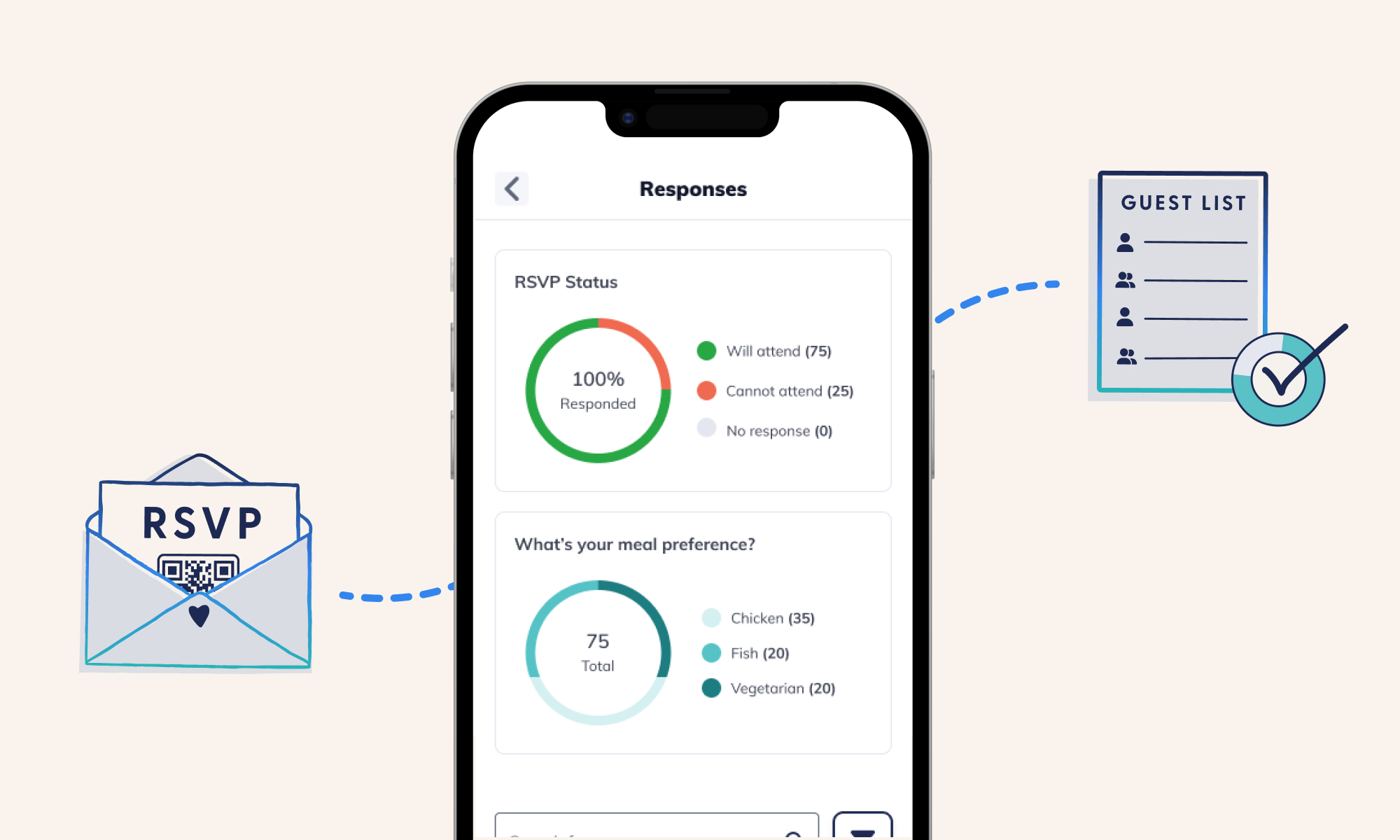
Easily Add +1s, Meal Choices, and Notes Being able to include dietary restrictions, accessibility requests, transportation needs, or additional household members prevents follow-up phone calls.
Accessible QR Code Option Couples are now adding QR codes to invitations. Honeyfund’s QR auto-directs guests to the RSVP form—no typing required.
Guests Should Be Able To:
Add their +1
Select meal choices
Write special needs or accessibility notes
Decline politely
How to Set Up the Easiest Wedding RSVP System on Honeyfund (Step-by-Step)
Step 1 — Create Your Free Honeyfund Account
Step 2 — Choose a Website Template: Pick from clean, simple layouts designed for all ages.
Step 3 — Enable RSVP Tracking: Turn on RSVPs from your dashboard.
Step 4 — Add Your Guest List: Upload a spreadsheet or enter names manually.
Step 5 — Customize Your Questions Meal choices, +1 names, etc
Step 6 — Share Your Link or QR Code Put it on your invitation and start collecting responses immediately.
Other Wedding RSVP Sites (And Why Honeyfund Wins)
Evite – Easy, but focuses on events, not weddings.
Google Forms – Simple, but not wedding-specific; no guest grouping.
The Knot / Zola – Good tools, but charges guests fees to gift and interfaces can overwhelm older guests
Paper RSVPs – Familiar but involve postage, manual entry, and lost mail.
Honeyfund is the only solution that combines simplicity + a registry + universal accessibility in one place.
FAQ: Wedding RSVP Site Setup
-
Honeyfund is the simplest option thanks to its one-click RSVP, no login requirement, clean interface, and QR accessibility.
-
No. Guests RSVP instantly without a password or profile.
-
Use a QR code, provide a direct link, keep instructions simple, and use a website like Honeyfund that eliminates extra steps.
-
Yes. You can fully customize your RSVP questions.
-
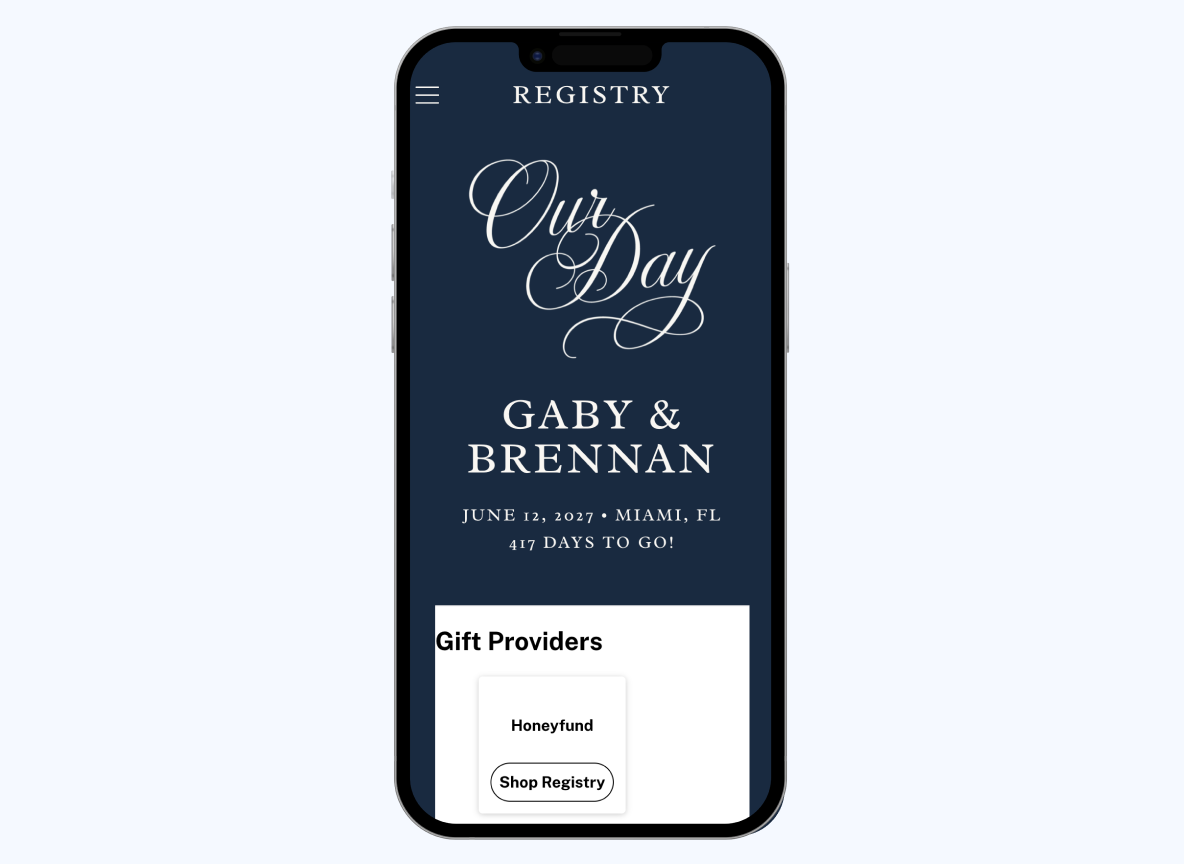
Absolutely. Honeyfund combines your website, registry, and RSVP system in one place. With Honeyfund you can:
Track every RSVP
View meal totals and preferences
See plus-ones automatically grouped
Export your guest list
Send reminders or updates to guests